How to make a magic 8 ball GIF
- Type the answer you want to appear in the window, or tap one of the ideas.
- Add a caption on top if you want a meme, like "Me asking if I can skip the gym".
- Pick an ink colour, then press Make my GIF. The orb shakes, the answer floats up, and the GIF is ready to download in a few seconds.
The GIF is drawn in your browser, so your text never leaves your device. Each file loops forever and is usually under 1 MB.
Magic 8 ball meme ideas
The best 8 ball memes pair a big question with a deadpan answer. These work well in group chats:
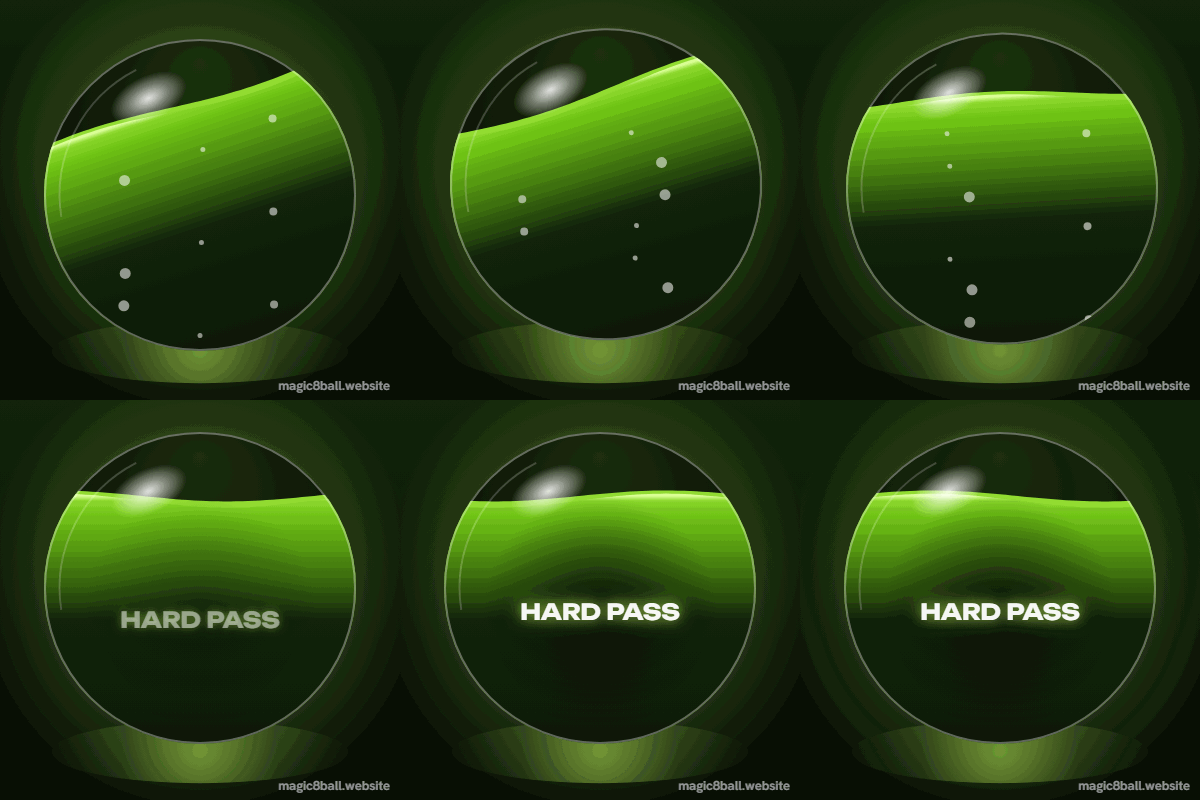
- Caption "Me checking if I can afford it", answer "Hard pass".
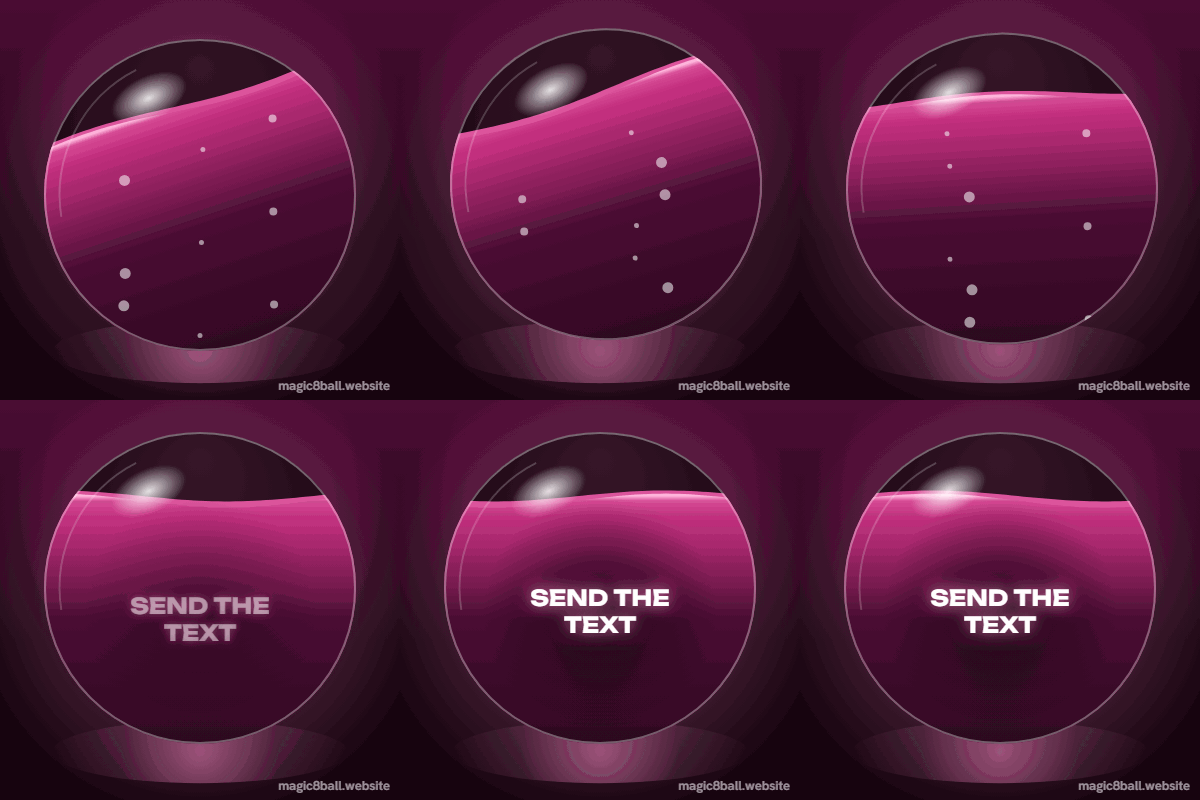
- Caption "Should I text them back?", answer "Send the text".
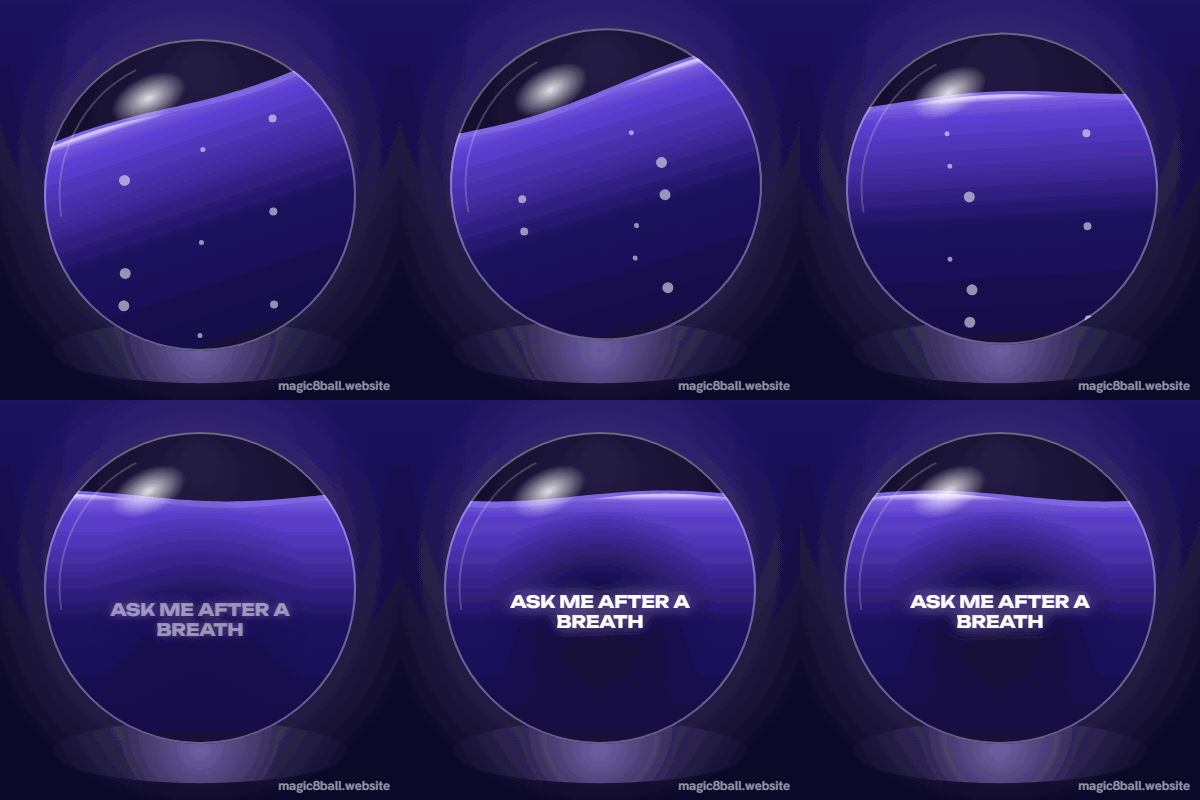
- Caption "Monday morning motivation", answer "Ask me after a breath".
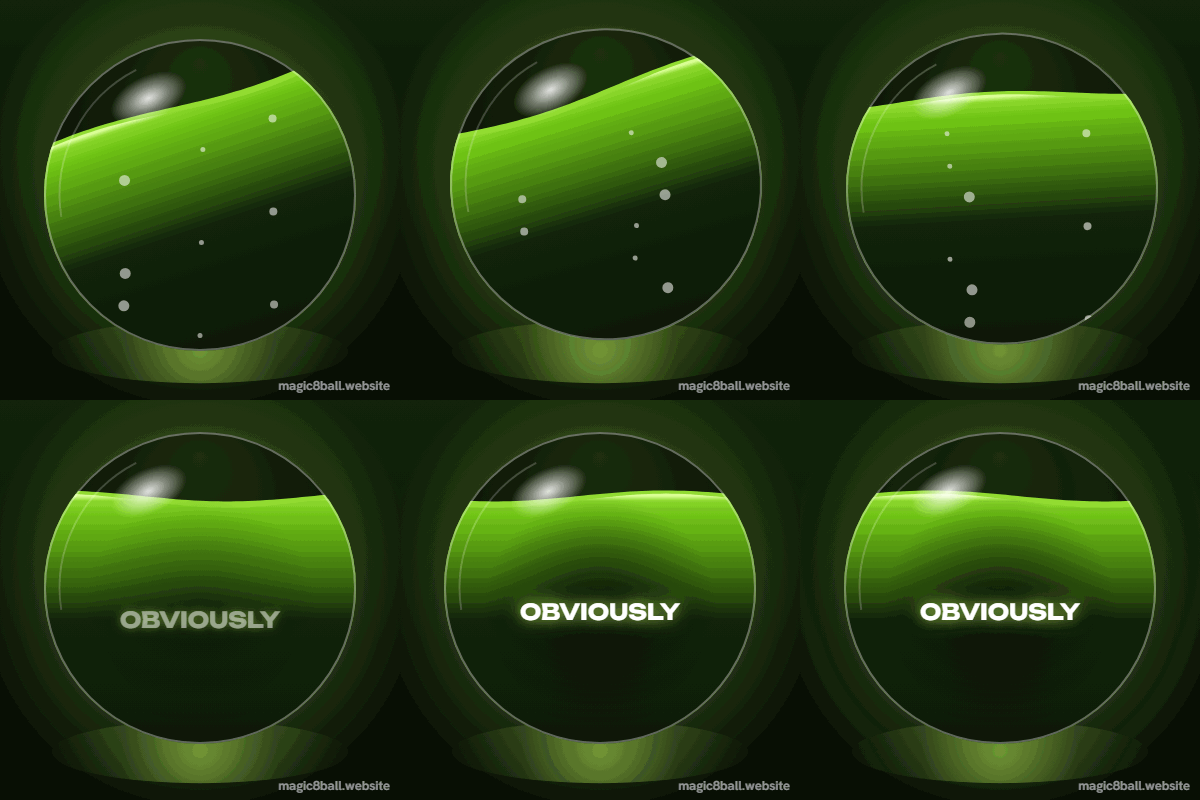
- Caption "Is this meeting an email?", answer "Obviously".
Want a live ball instead of a GIF? Shake the sarcastic magic 8 ball, or build a shareable custom magic 8 ball with your own answers.
Magic 8 ball GIF FAQ
Is the magic 8 ball GIF maker free?
Yes. Make as many GIFs as you like with no sign up. A small magic8ball.website credit sits in the bottom corner. The GIF is drawn in your browser, so nothing you type is uploaded.
Can I use the GIF in Discord, Slack or iMessage?
Yes. The download is a standard animated GIF, about 400 by 400 pixels, which works in chat apps, group chats and most social sites.
Can I use the ready-made GIFs?
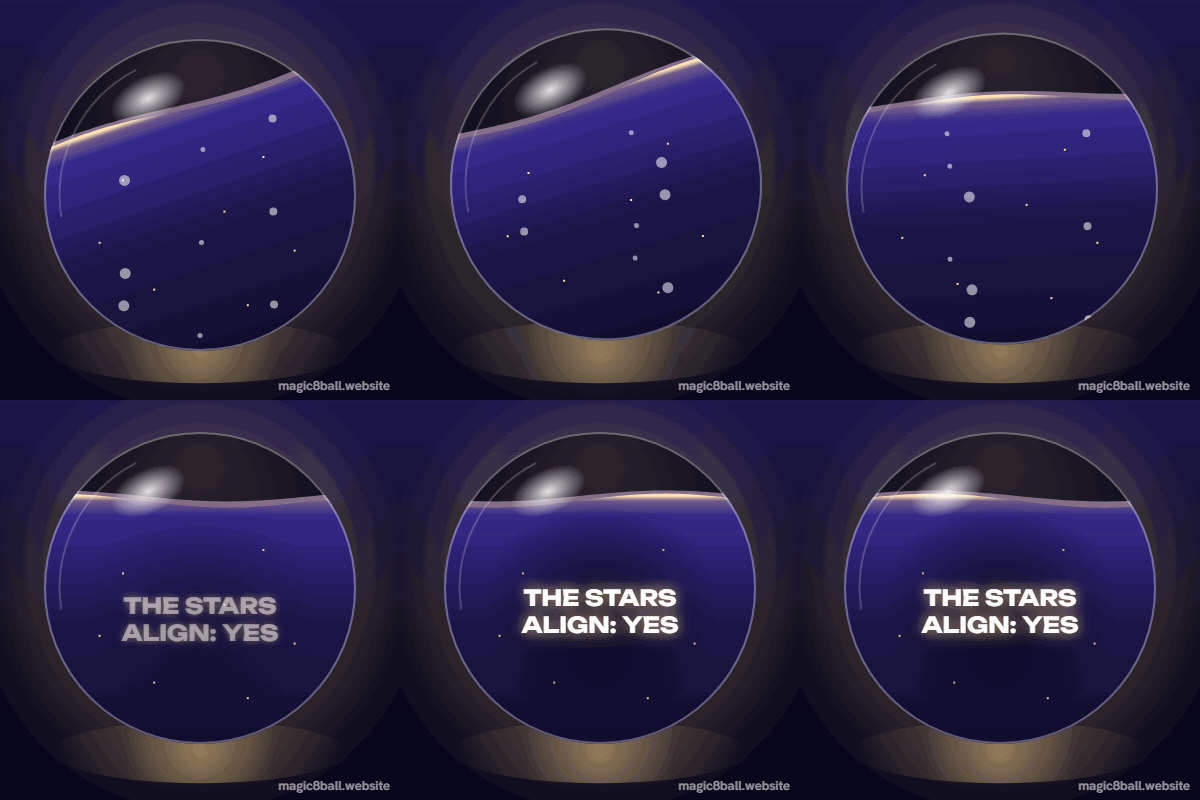
Yes. The six ready-made GIFs on this page are free to download and post. They carry the same small magic8ball.website credit as GIFs you make yourself.
Can I add my own text?
Yes. Type any answer up to 40 characters. Add an optional caption on top, such as "Me asking if I should buy it", to turn it into a meme.